
How to get started with Claude Design
Last week Claude released its latest product, Claude Design, which some are hailing a “Figma” and “Adobe” killer. Figma’s stock was down 7% on the news. That’s because Claude can now design anything you want in professional, editable files. Right? Well, maybe.
AD tested it over the weekend on a client design system and came away impressed with what it can do, provided you have a robust design system already in place.
How robust are we talking? If you’re new to professional design, these systems can get pretty technical. Token mapping, weights and spacing, accessibility, light- and dark-mode settings, and so on. We have a custom system from our engineer Derek that works well.
To build a great visual brand identity, you need not only the creative direction and decision making but also the file structure within a tool like Figma or Adobe to build scalable, component-based systems.
If you have that in place, which our Partner clients do, then you can get going with Claude Design! If not, let’s talk.
Upload your design system.
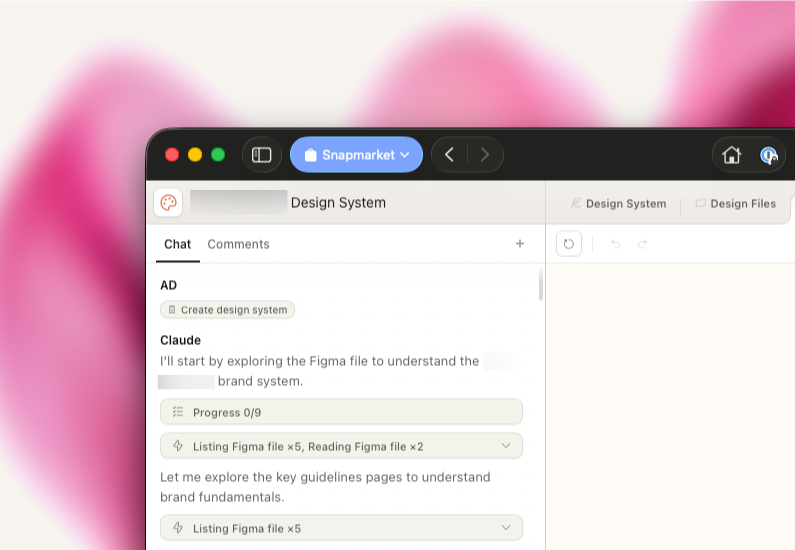
Once you provide Claude with your .fig file, it can start building. After it runs for a while, it’ll ask some questions to clarify and convert your design system into its files.
Provide Claude guidance.
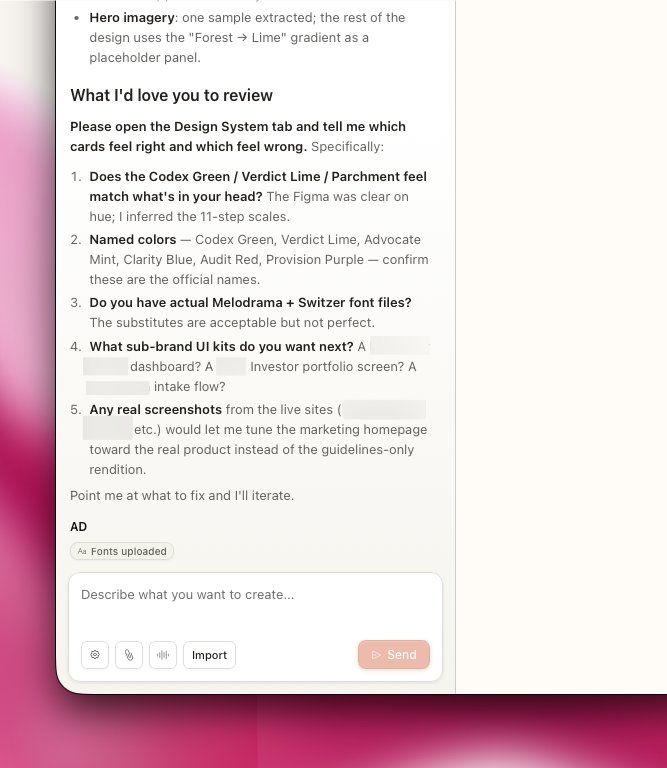
From here you and Claude can work together to build the Claude system to match the Figma system via the chat window, the system’s components, or comments on the canvas. Repeat this step for quite a while.
Finalize files.
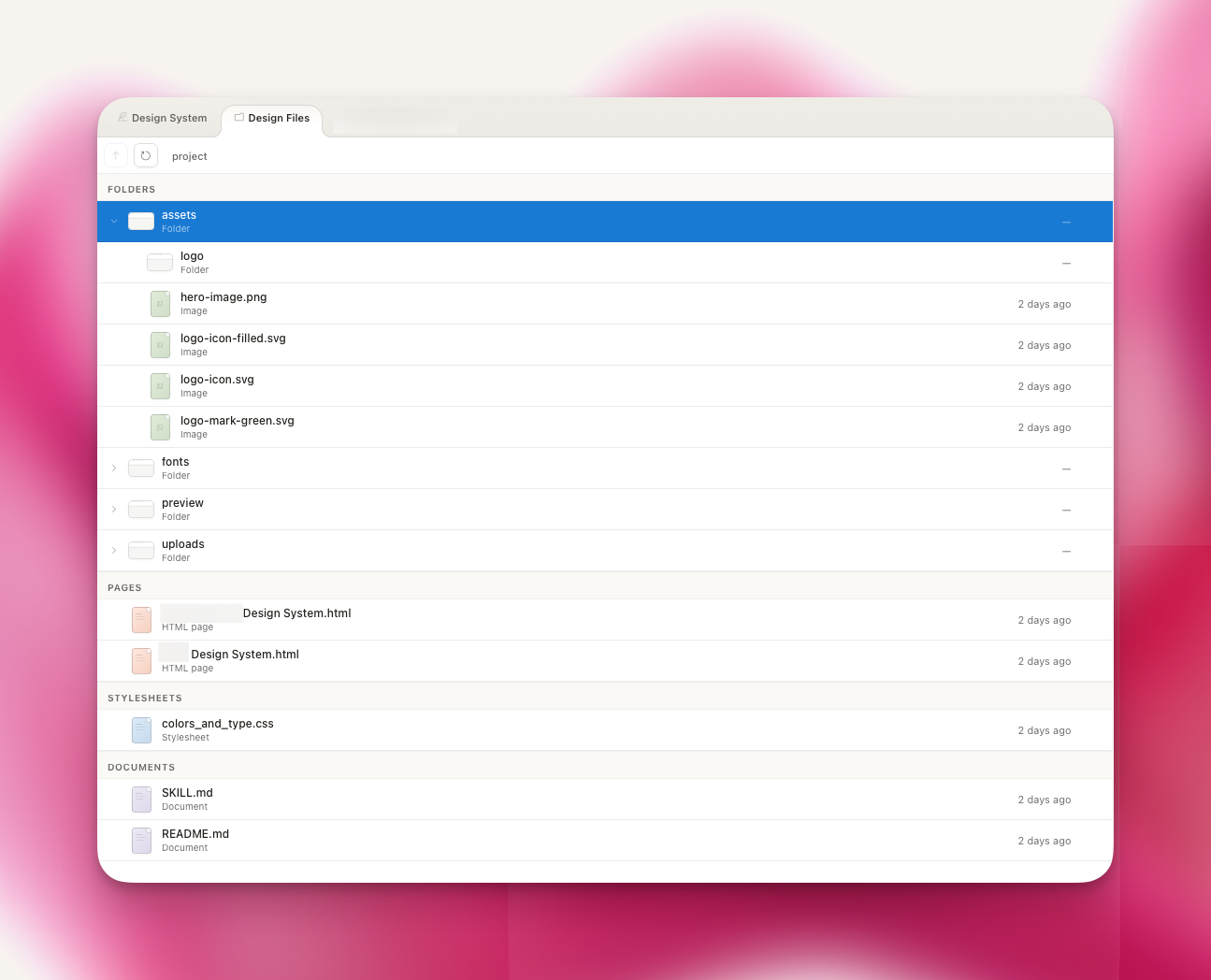
Working with Claude and many other top AI products is working partly as an engineer and partly as a manager. It’s best to think like you’re building something that needs to run a thousand times by a thousand people without your direction. To do that, you need air-tight processes and documentation. Claude Design is no different in that you’ll need to organize files and docs like you’re coordinating a machine.
Build new assets.
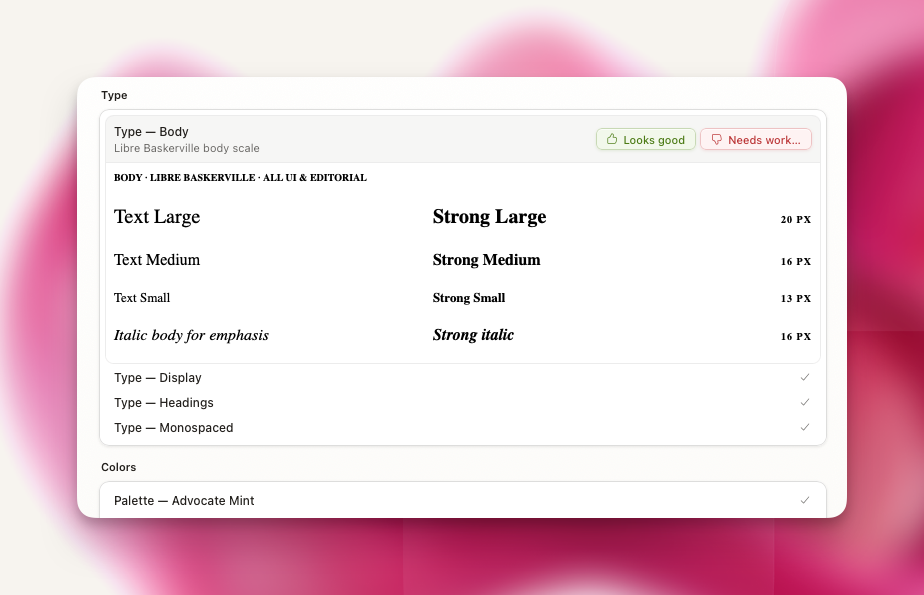
Now you’re ready to build! The first outputs from our test looked promising. From there we can theoretically export the files as needed into other tools to improve their quality and make minor adjustments and polish.
We’re still testing the quality and interoperability with platforms like Framer, PowerPoint, Figma, and others, as modern marketers need a dozen tools to work together, but we’re pleased with how we think it can improve our efficiency and quality in production.
If you’re thinking about how to use Claude Design or similar tools in your operations, I’d love to hear what you’re working on and how we could serve you.
As always, we’re grateful to serve.